

IDN & EAI CompatibleLearn More 

Universal Acceptance Ready Learn More
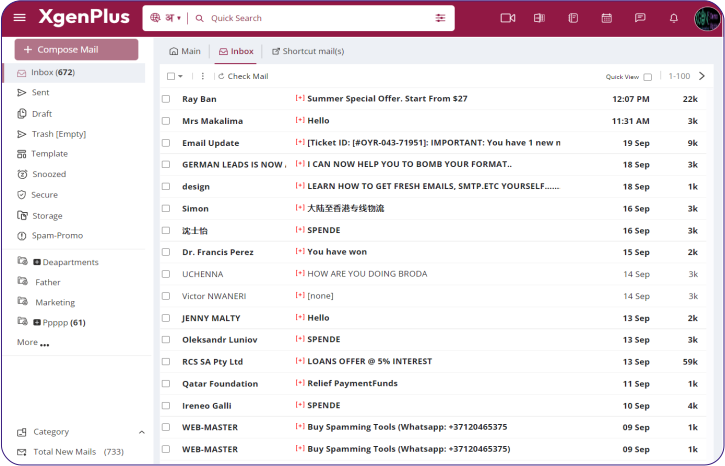
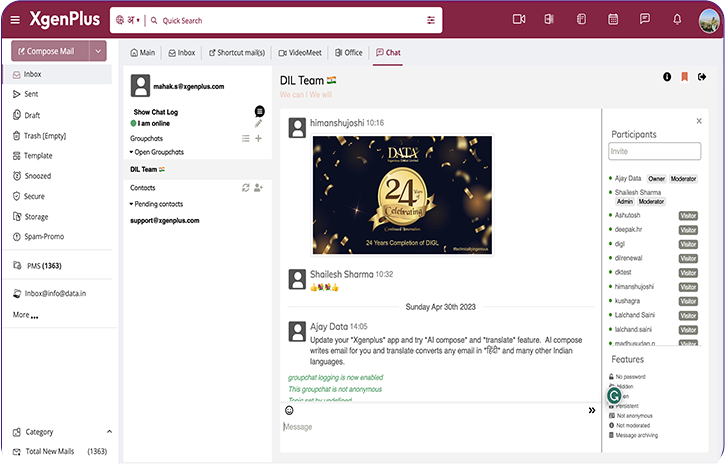
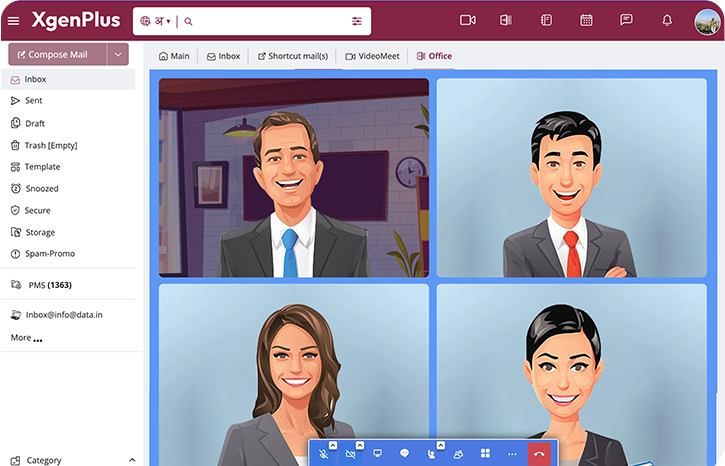
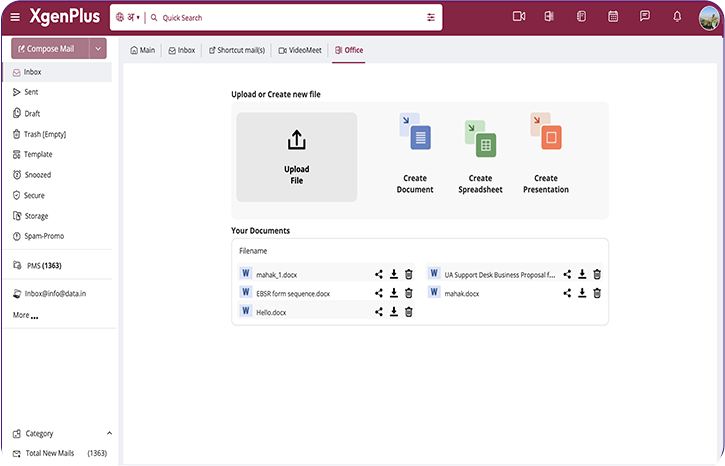
World’s first enterprise email solution that supports linguistic domains.
Empowering 10,000+ professionals,
businesses & enterprises
Join the ranks of over 10,000 satisfied professionals, businesses, and enterprises who have experienced the power of XgenPlus. With a robust set of features and unparalleled reliability, XgenPlus is the preferred choice for email communication across various industries. Discover why more than 1000+ medium and large enterprises trust XgenPlus for their email needs.
Managing emails became much simpler
using XgenPlus
-
AI Compose
AI Compose feature revolutionizes email composition. Powered by advanced AI technology...
-
Advance Office
Xgen Office brings your documents to life by providing smart editing and styling tools...
-
Video Conferencing
Xgenplus email solution empowers organization with VideoMeet- virtual video conferencing...
-
Xgen IM
Spike on your conversation with the real time Xgen IM that enables Instant Messaging.
-
Attendance & Tracking
XgenPlus Email App is now capable to integrates with HR management and payroll system...
-
Multi Language Support
XgenPlus, a leading provider of email and collaboration solutions, has announced.


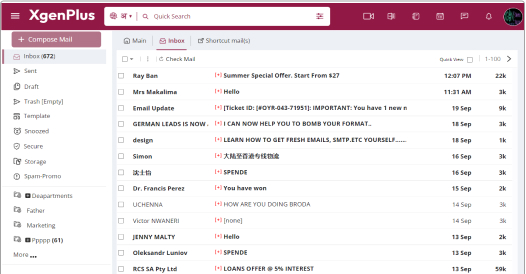
Experience free live demo of Xgenplus
Global enterprises trusts XgenPlus
Provides Secure communication leading to increased productivity and data privacy in organization.

Proven Cost Savings
No specific Hardware or Software requirements which require extra cost to be paid at client’s end and need minimal administration.

Administrative & Data Control
Administrators can very well customize Xgenplus to meet their Technical, Branding and Business Requirement.

24/7 Customer Support
Supported by a Team of Experienced Support Professionals – ready to provide answers and assistance through Voice and Emails.

Security and Compliance
Xgenplus’s information security team, including security experts are focused on keeping your information safe abiding all the regulations.

Better Storage Plan
Bulk space allocation is provided to organizations and domain administrator that can further allocate the space.

99.9% Uptime Reliability
Data Sync Provision allows data and related activities to be simultaneously preserved in multiple secure servers.

Buy Xgenplus for Your Data Centre/ Premises.
Looking to tightly integrate Xgenplus into your existing IT infrastructure and back office business applications? Contact one of Xgenplus Sales Team for a quote to deploy xgenplus into your secure & private datacenter / premises.
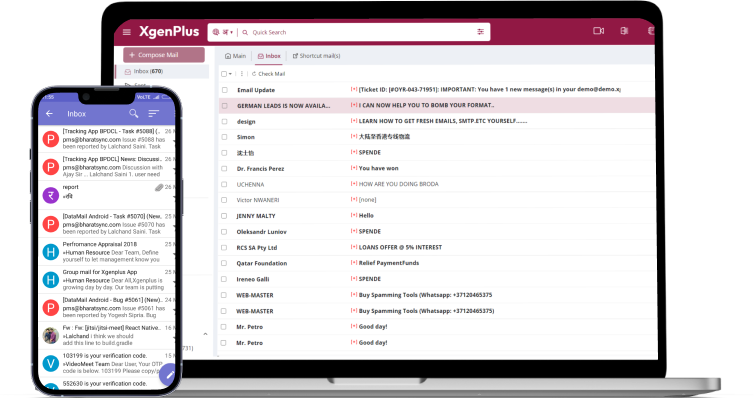
Access from anywhere, anytime
Stay connected and productive no matter where you are with XgenPlus. Our advanced email solution provides seamless access to your emails, contacts, and calendars from any device, at any time. Experience the freedom and flexibility to work remotely, collaborate with ease, and never miss a beat with XgenPlus.
Download the app now


Buzz around the globe

Budget-Friendly Email Solution You Deserve
In the knowledge-intensive environment of the internet, e-mail facilities have become significant for both private and

Avoid Email Hosting Scams and Discover Alternatives
In the knowledge-intensive environment of the internet, e-mail facilities have become significant for both private and

Discover Affordable Email for Every Business
In the digital time, communication is the heart of all successful businesses. Email services that have been specifically built for efficiency









Discover why XgenPlus is called a
complete enterprise email solution
XgenPlus is an ultimate communicative, collaborative, secure and cost effective email solution for ISP / Hosting Companies / Larger Enterprise / SMB / BPO / Colleges and Schools / Government. We at XGenPlus provides secured customizable email platform to exchange email, messages , task etc.